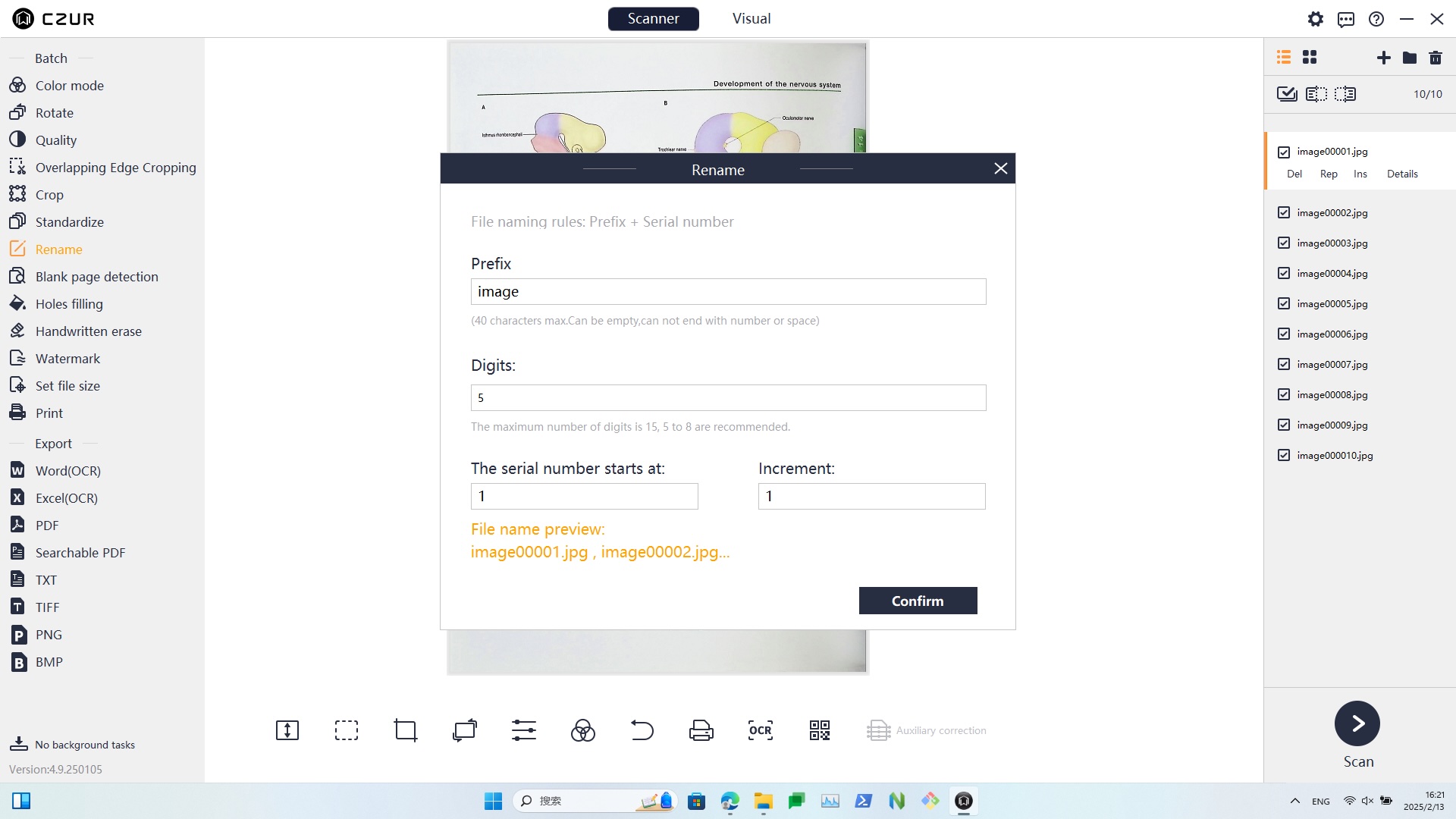
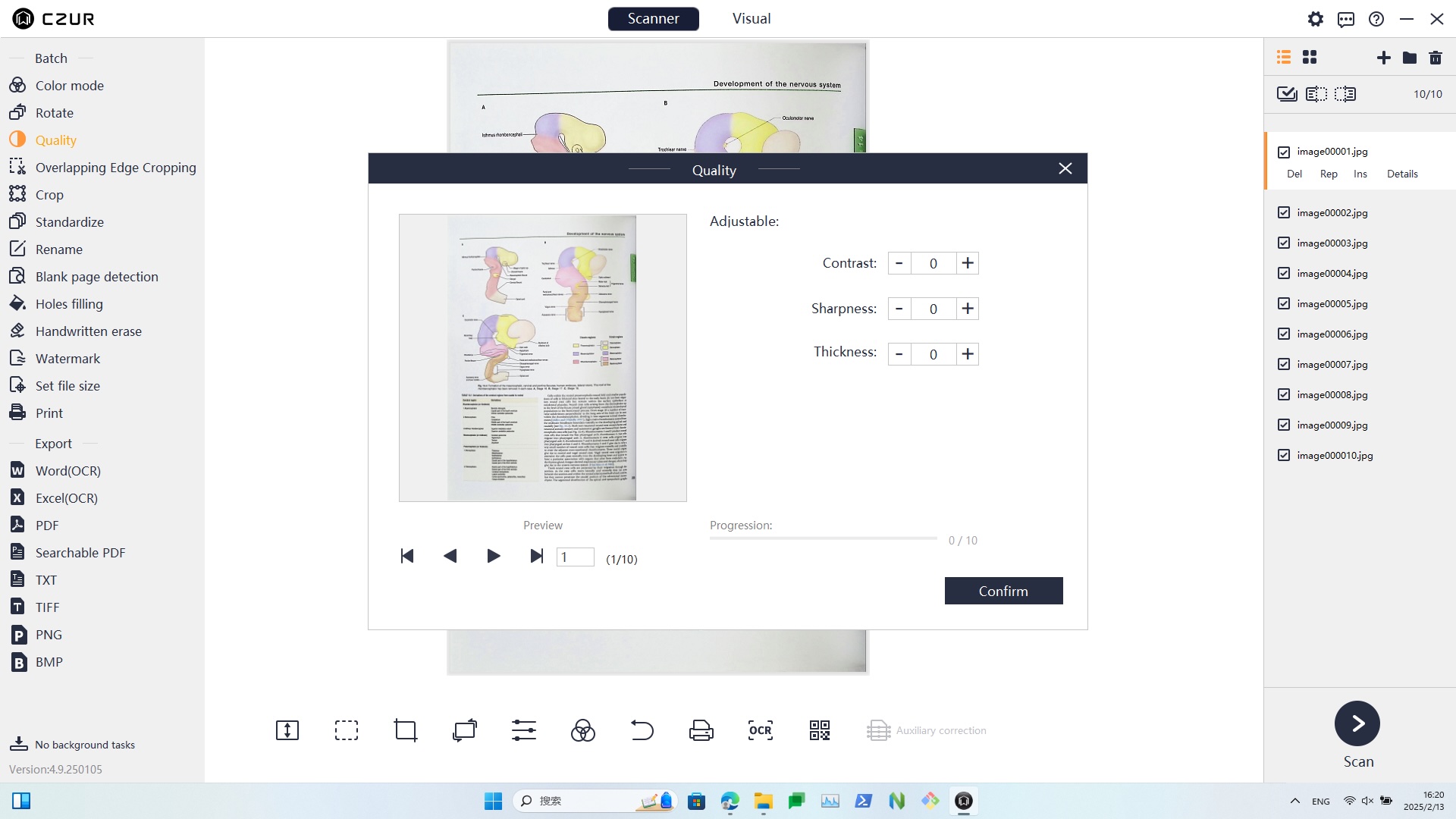
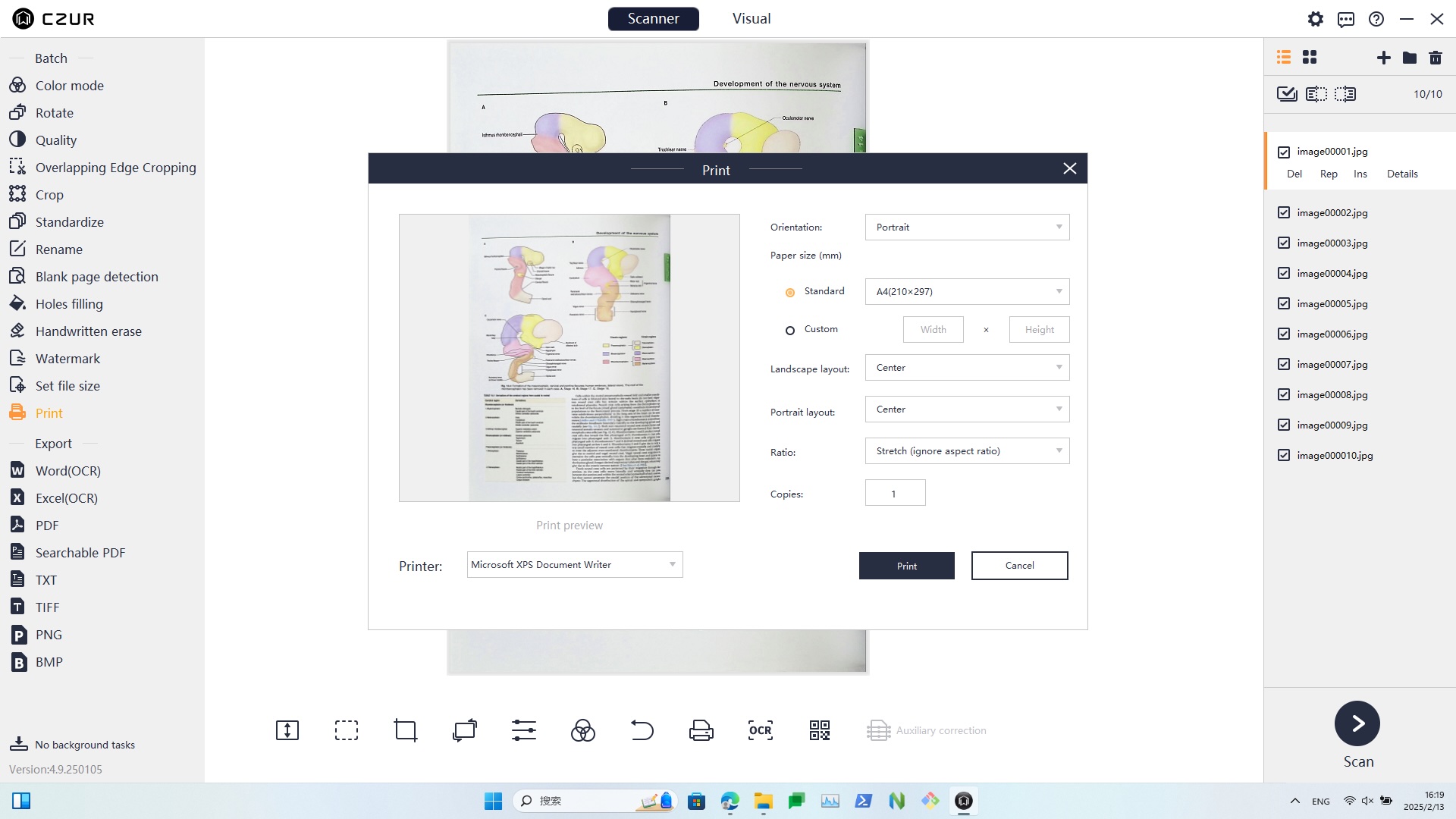
Intelligent Image Processing Software
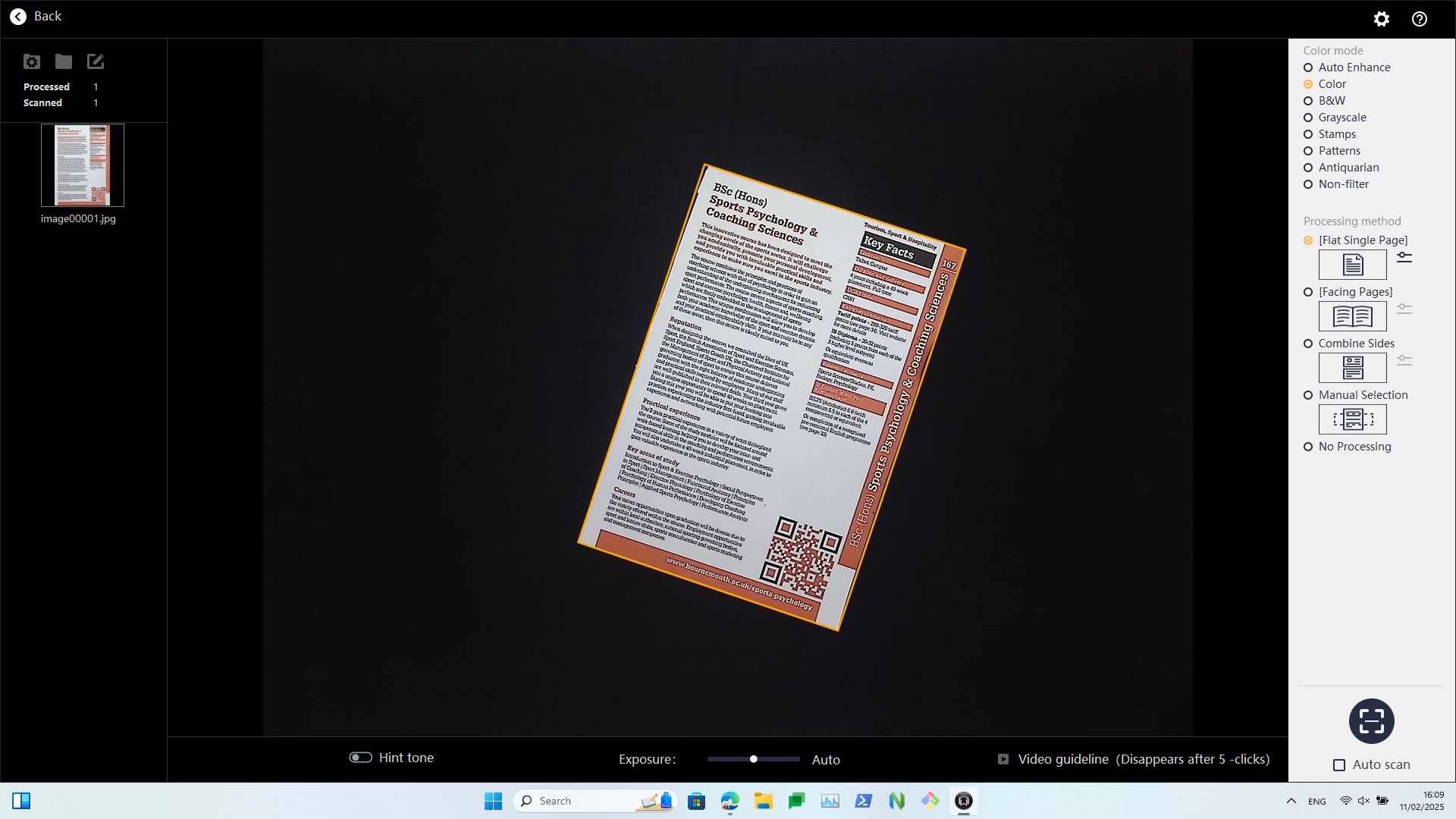
Smart Tilt Correction & Auto-Cropping
Never Sweat the Setup Ever Again

- Place the document
under the camera - Automatic edge recognition
- Smart tilt correction
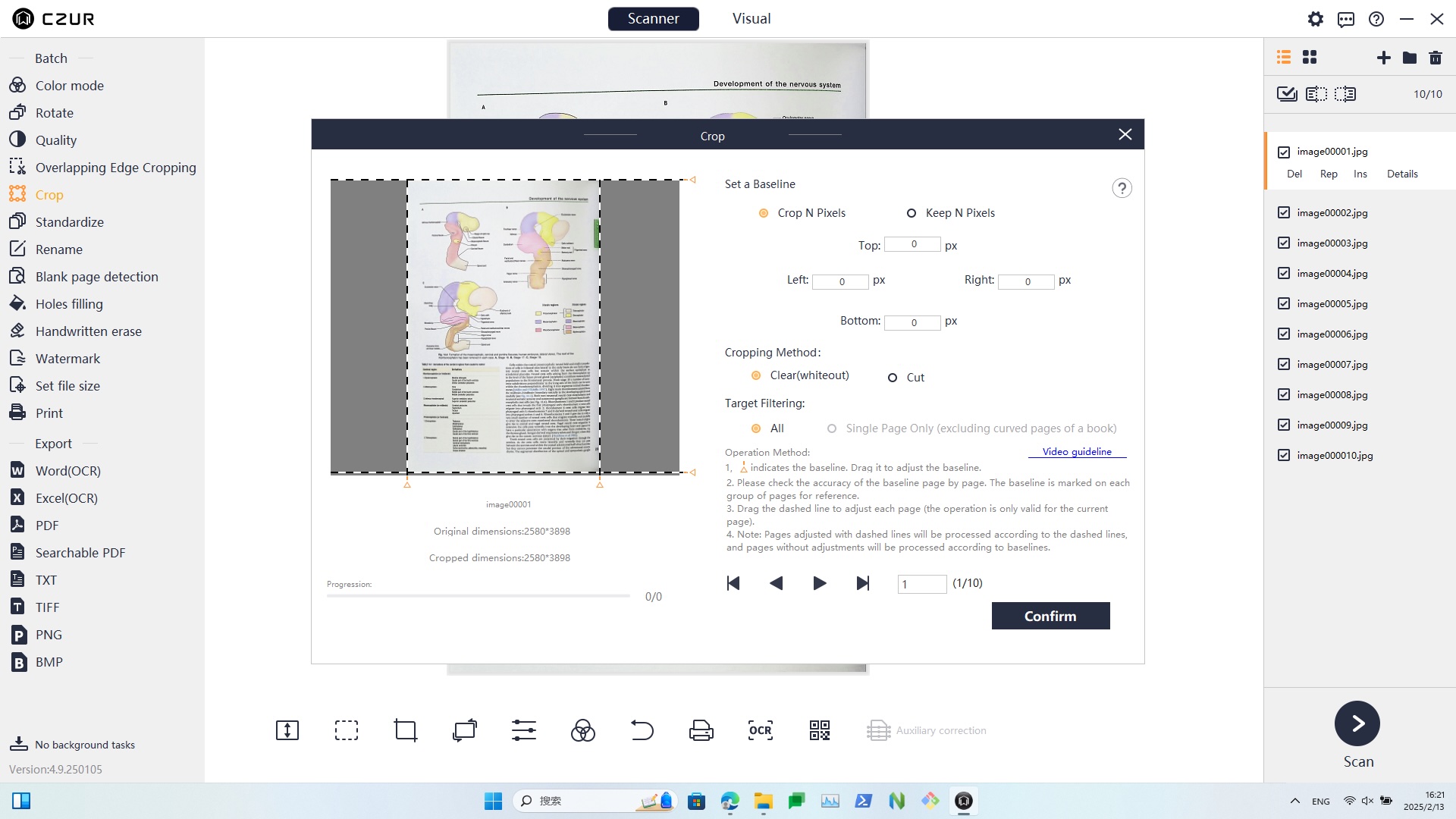
No matter how random or crooked your document is placed under the camera, the scanner’s software will easily correct it. The ET Smart Book Scanner recognises the page edges to automatically correct and crop, revealing a perfectly straight file.
Auto-Flatten & Finger Cots Removal
Never Sweat the Setup Ever Again

- Press the middle of the edge with finger cots
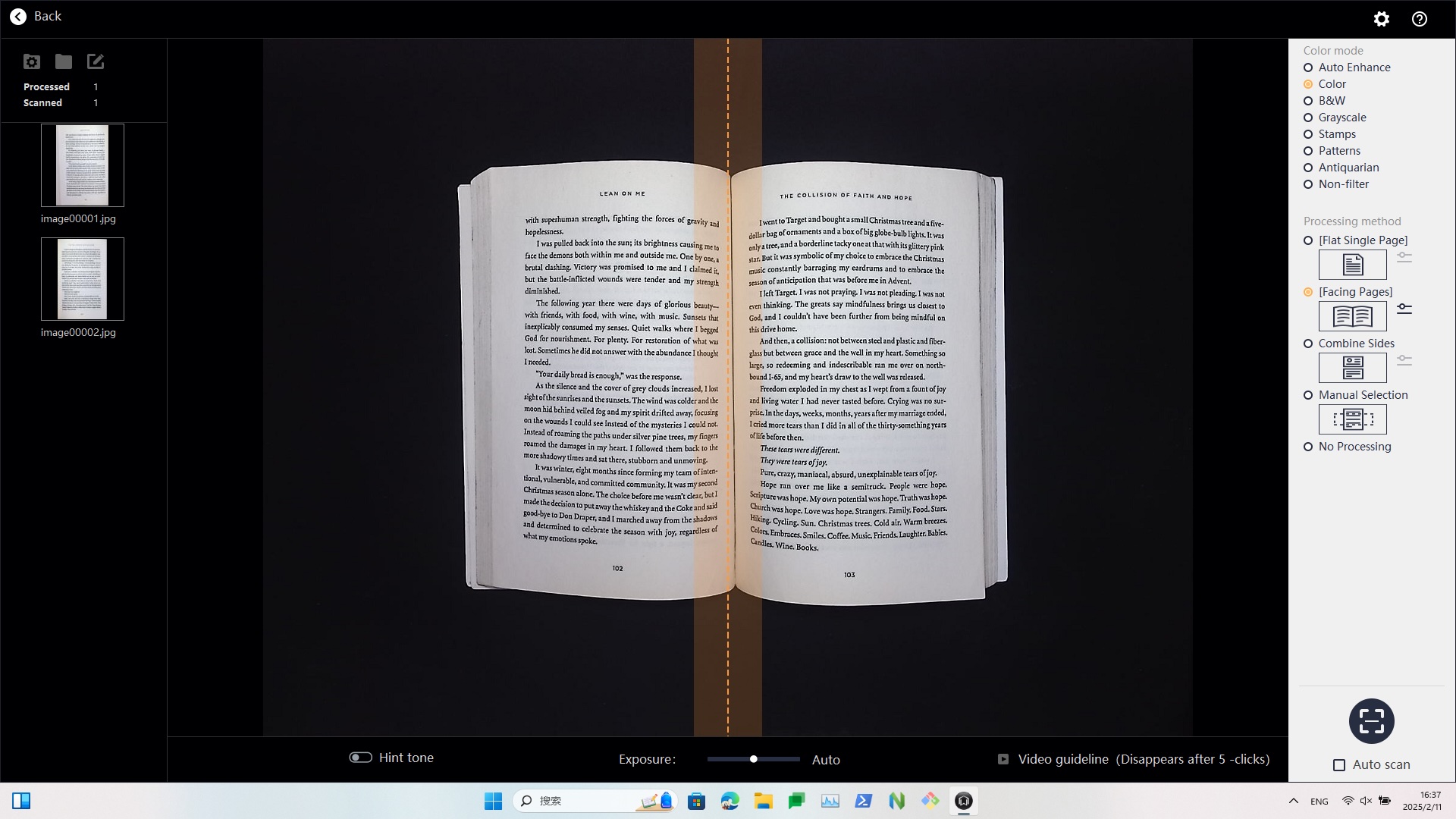
- Process the page curvature & auto-flatten
- Finger cots removal & smart paging
An unbound book can be stubborn, but the ET Smart Book Scanner knows what to do with even the hardest-to-open book. Lay the book under the camera, open it and hold it down with your fingertips. Smart processing flattens the curved page while recognising and cropping your fingers from the final scan. Your file is perfectly straight and finger-free every time.
Eight Color Modes
Get the Best Results Every Time
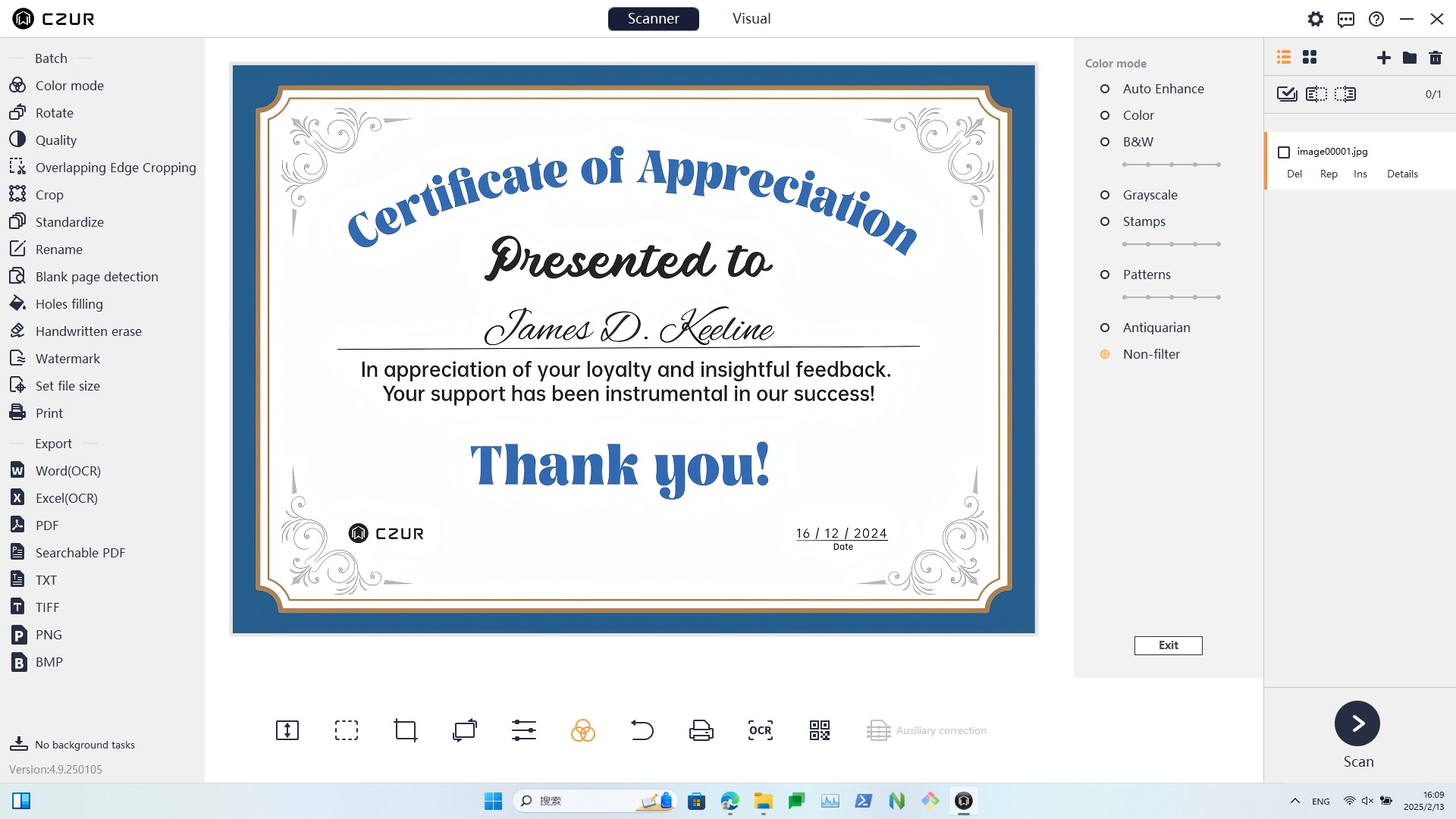
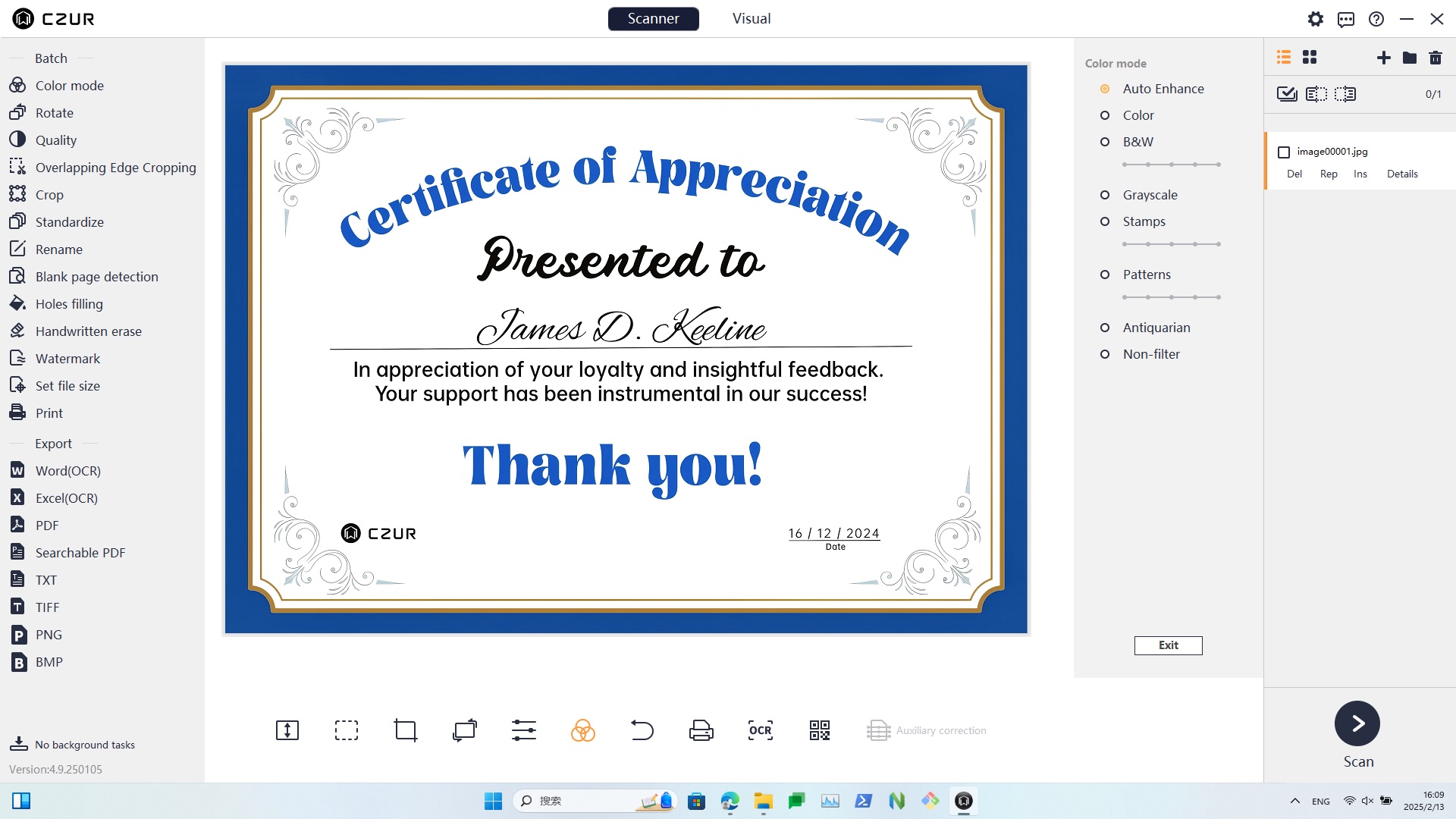
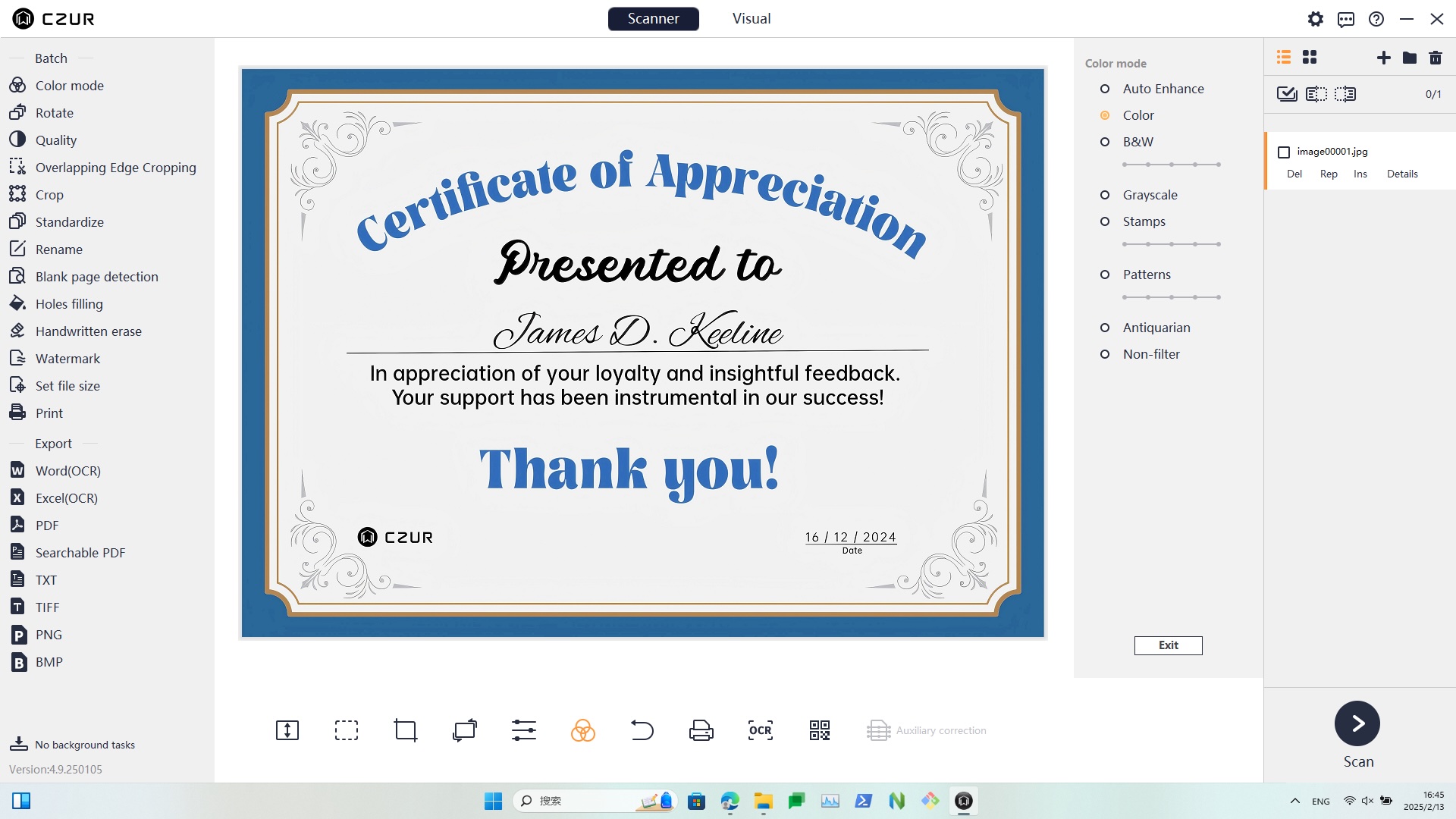
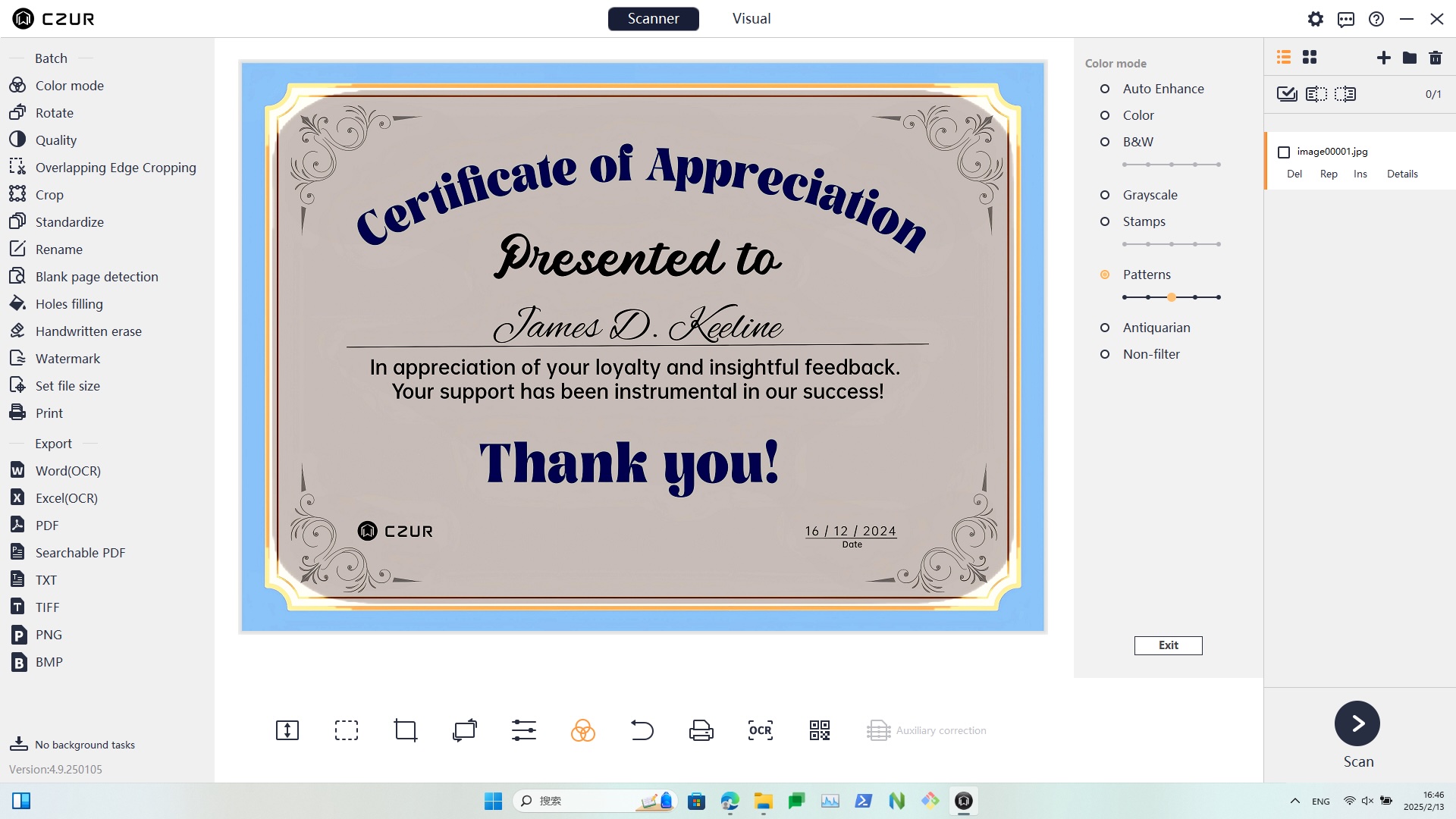
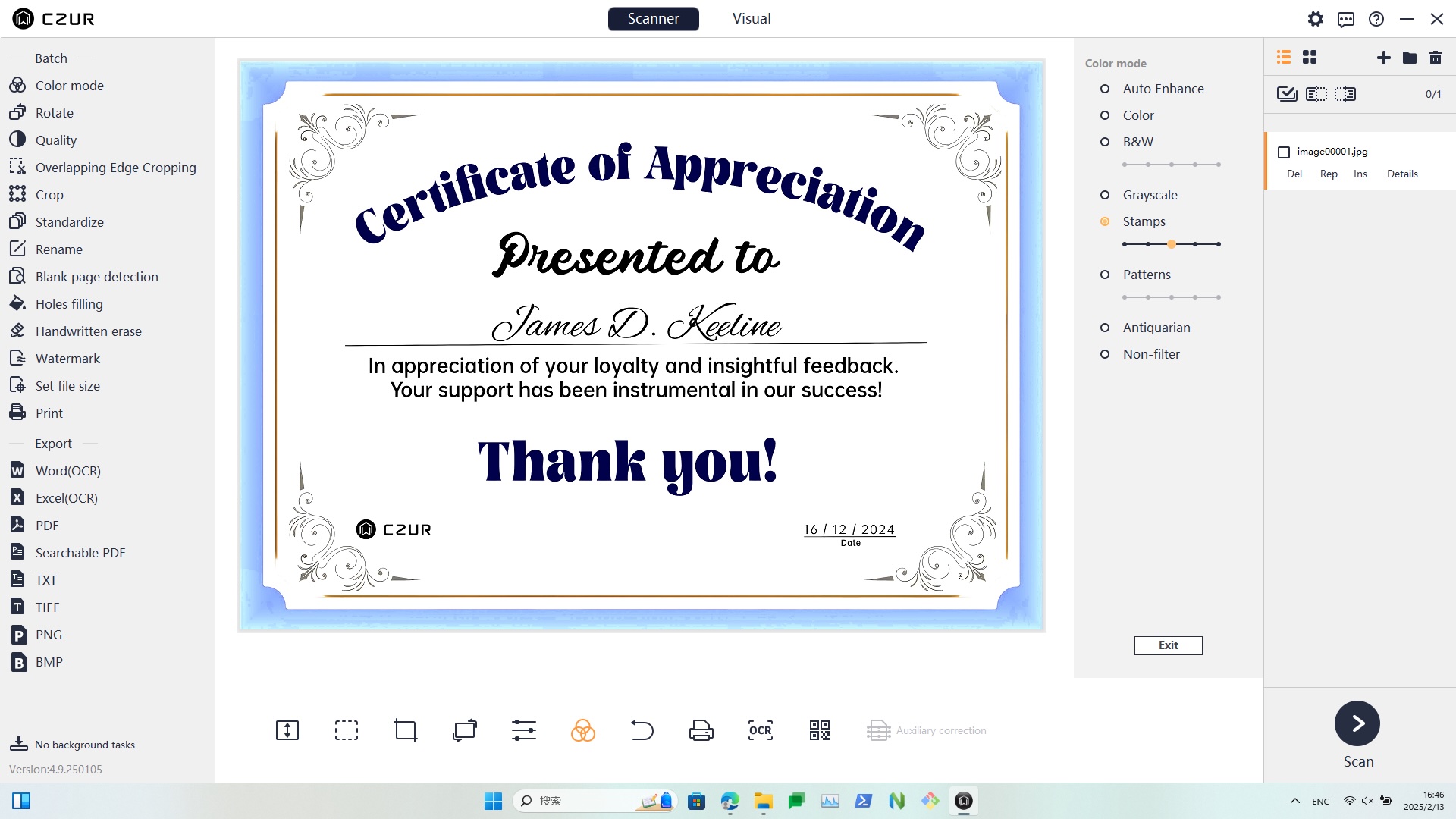
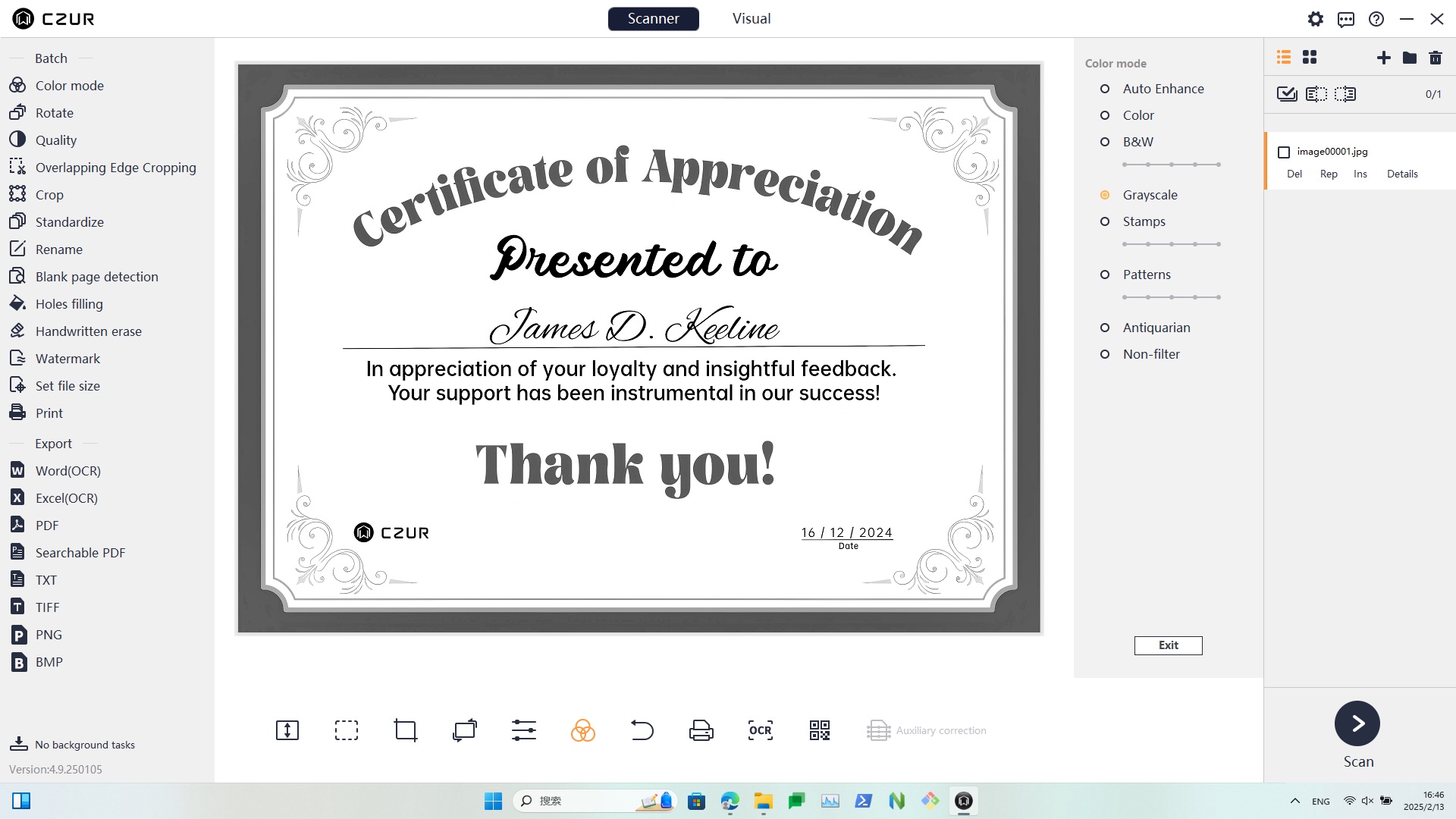
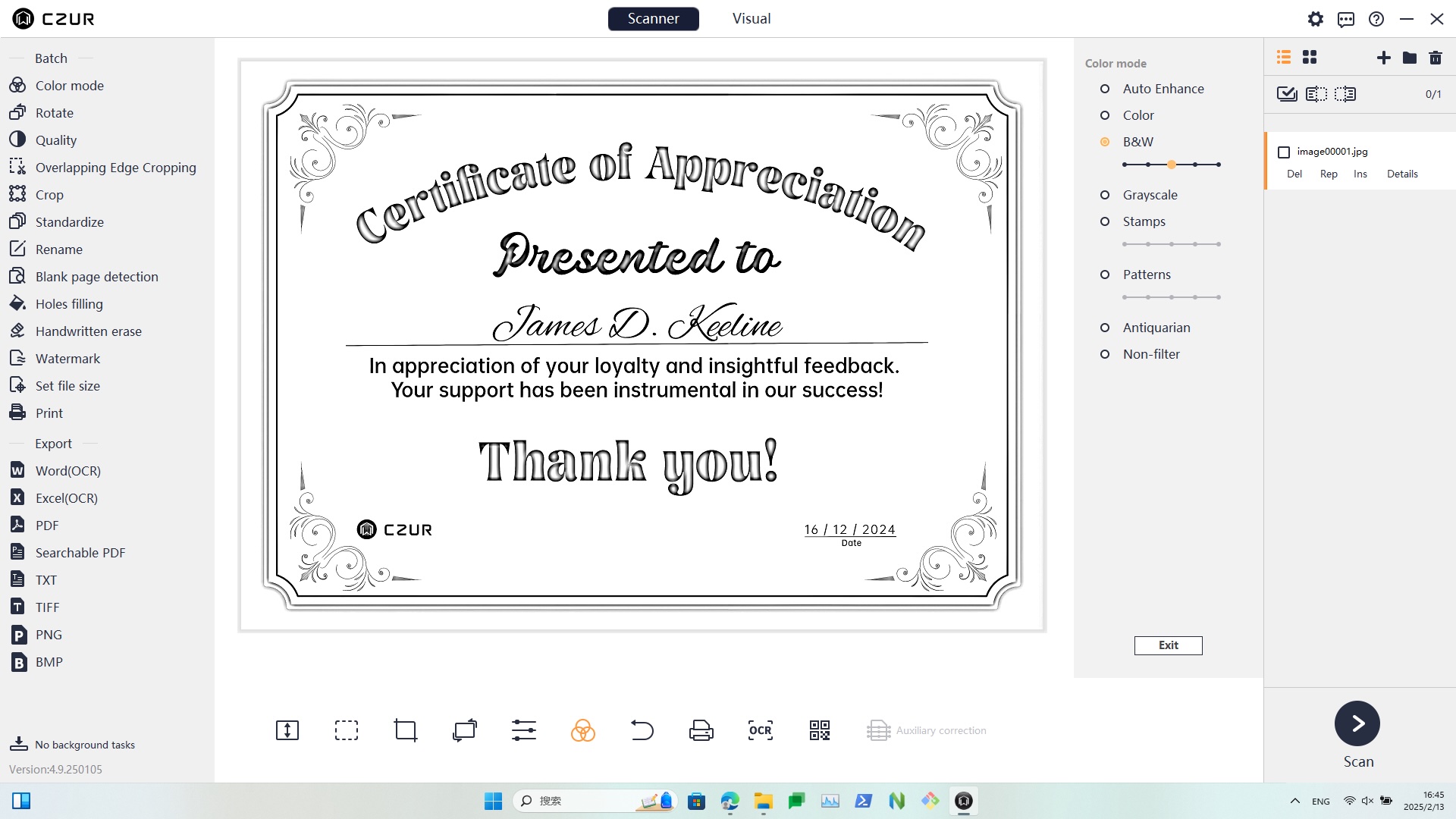
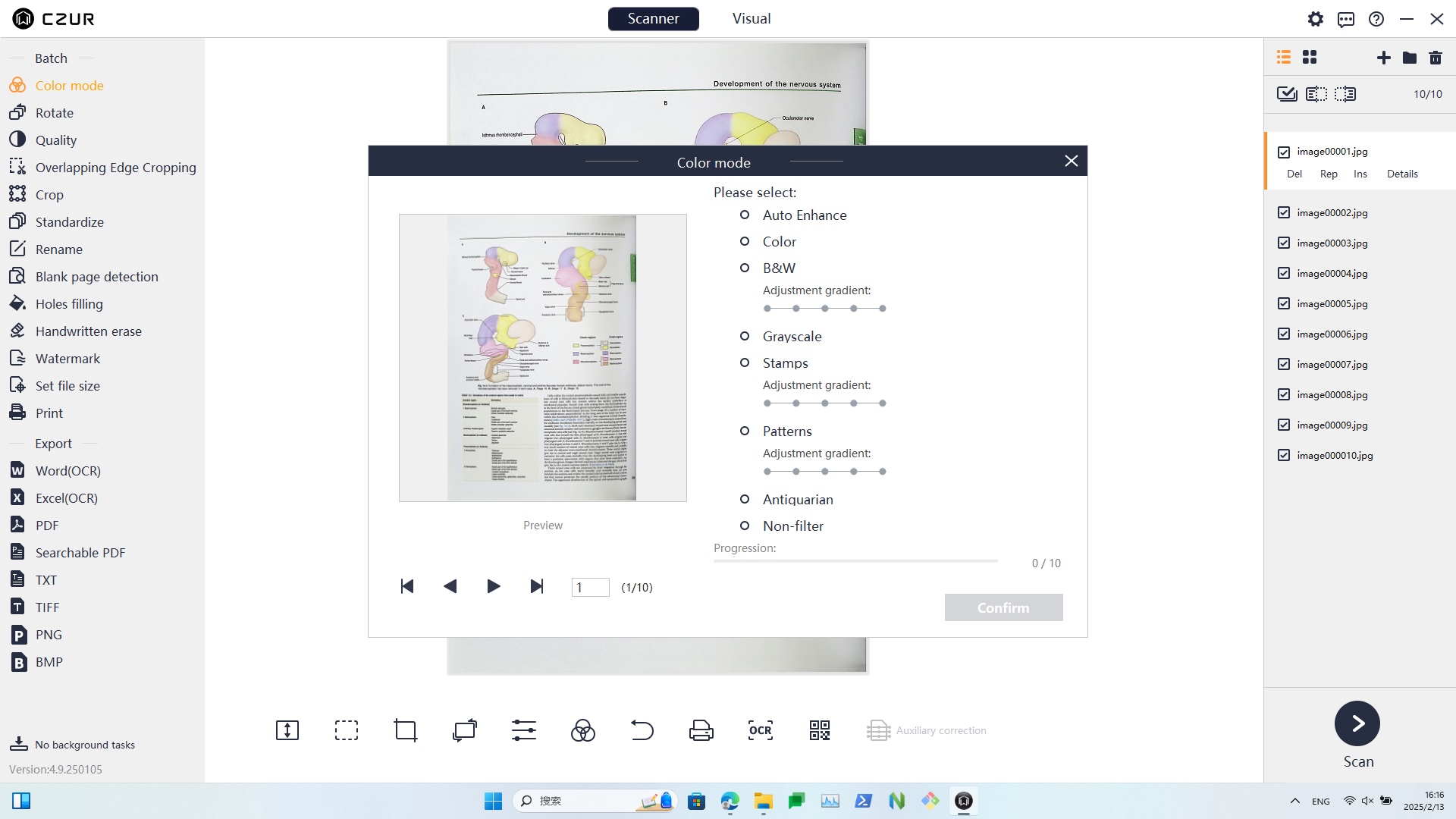
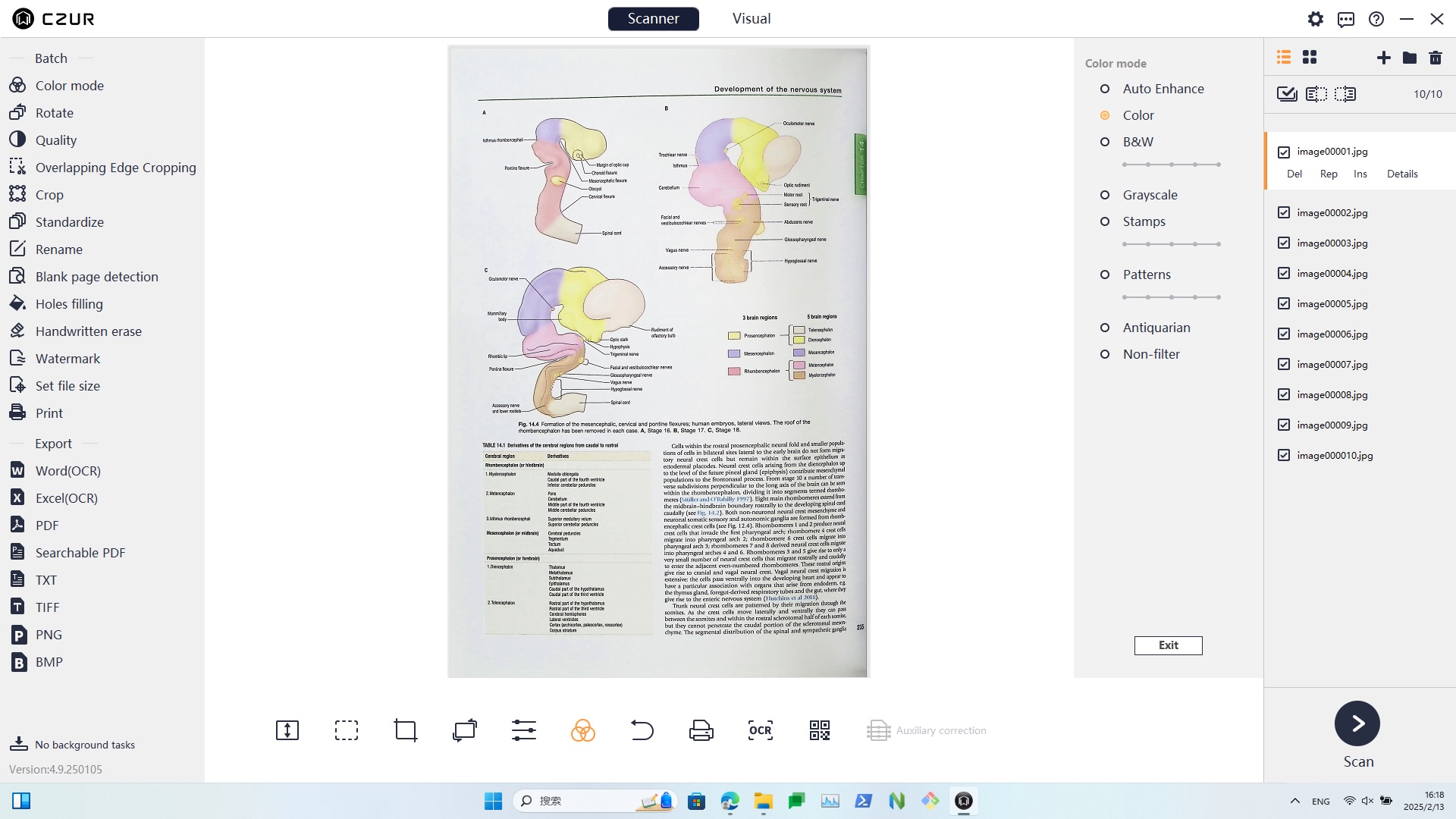
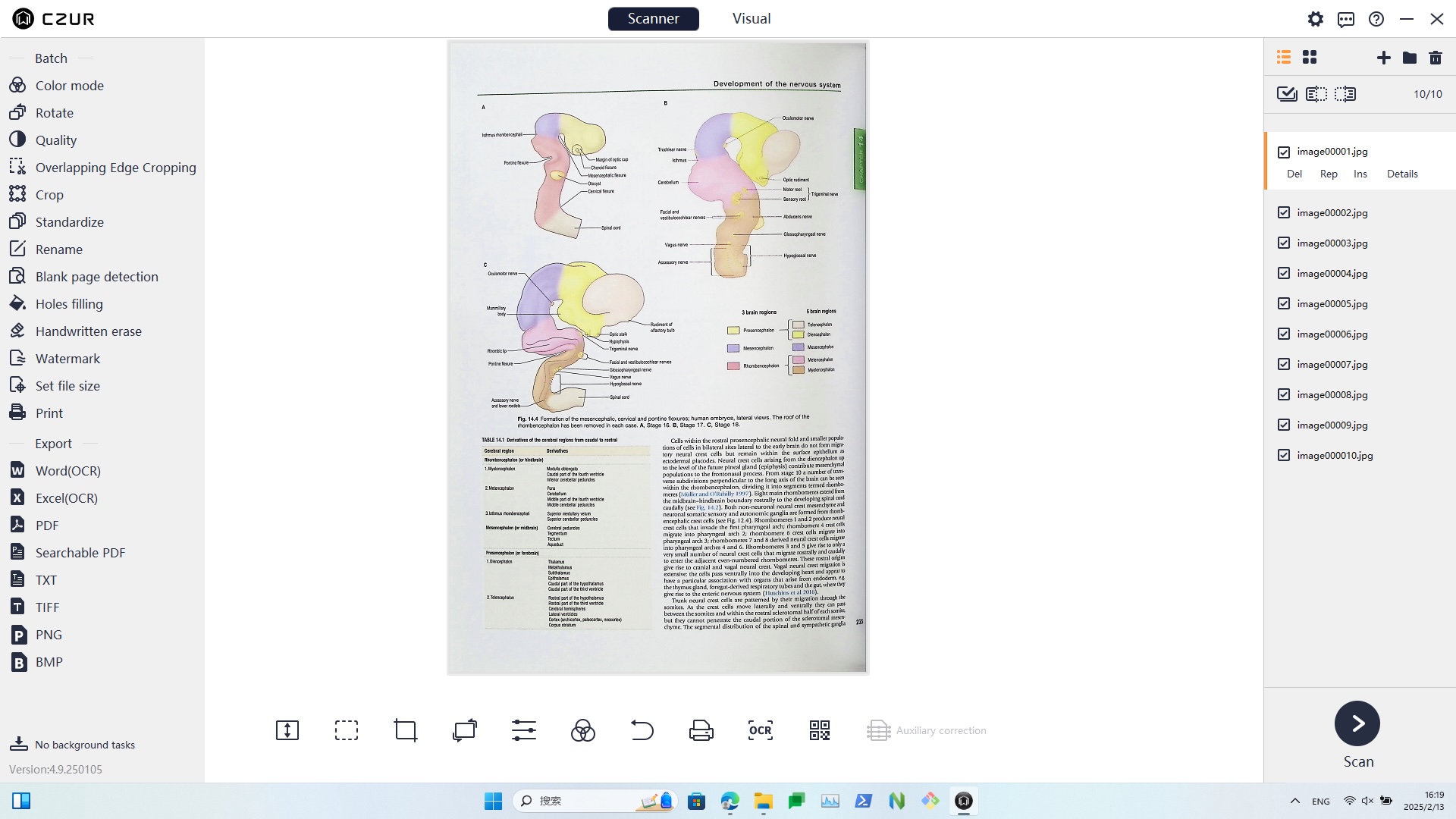
The built-in software processes your book in multiple Color Modes, including Color, Patterns, Stamp, Grayscale and B&W. This collection fits a wide range of documents and output requirements.
Built-In Editing Functions
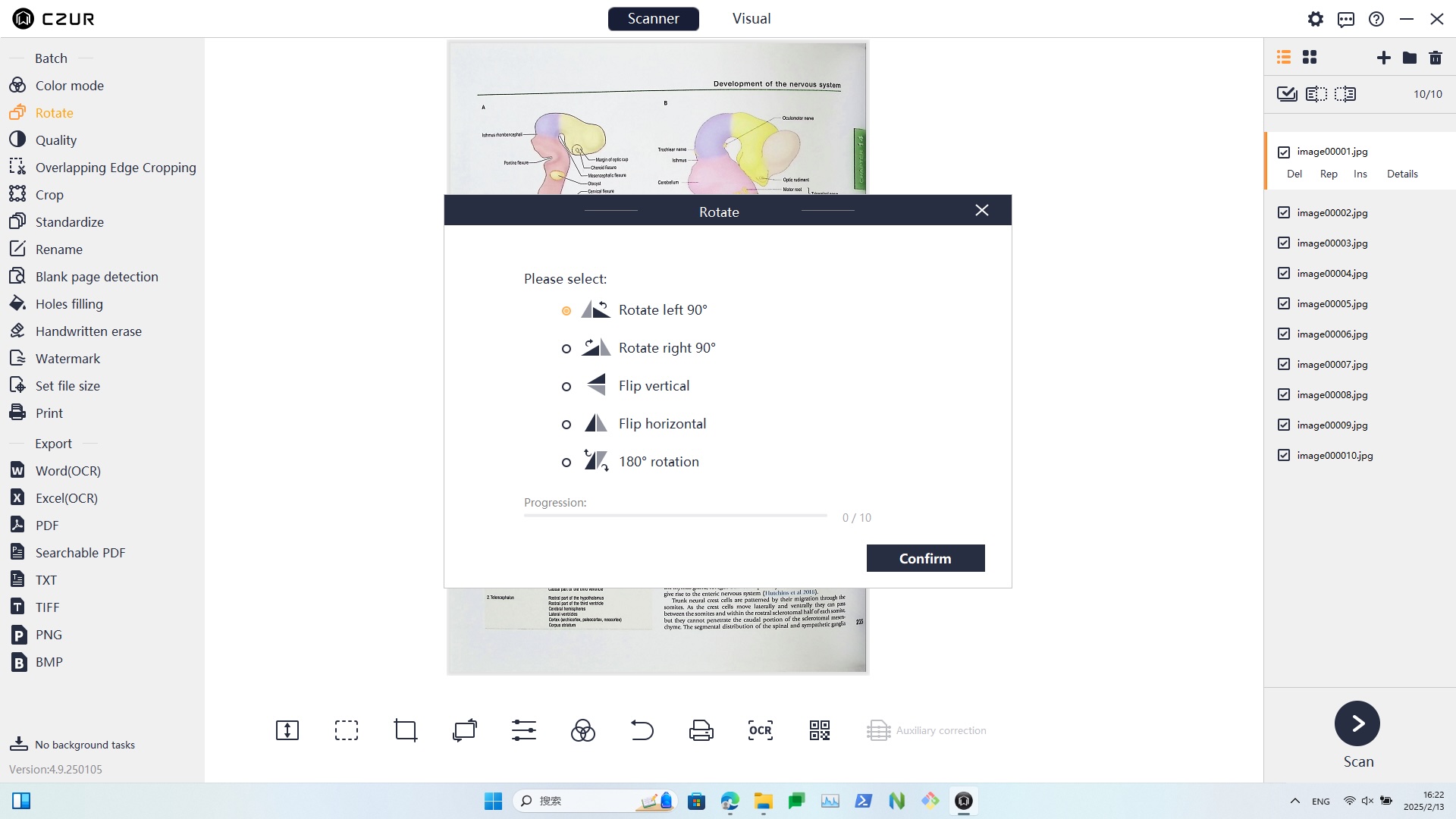
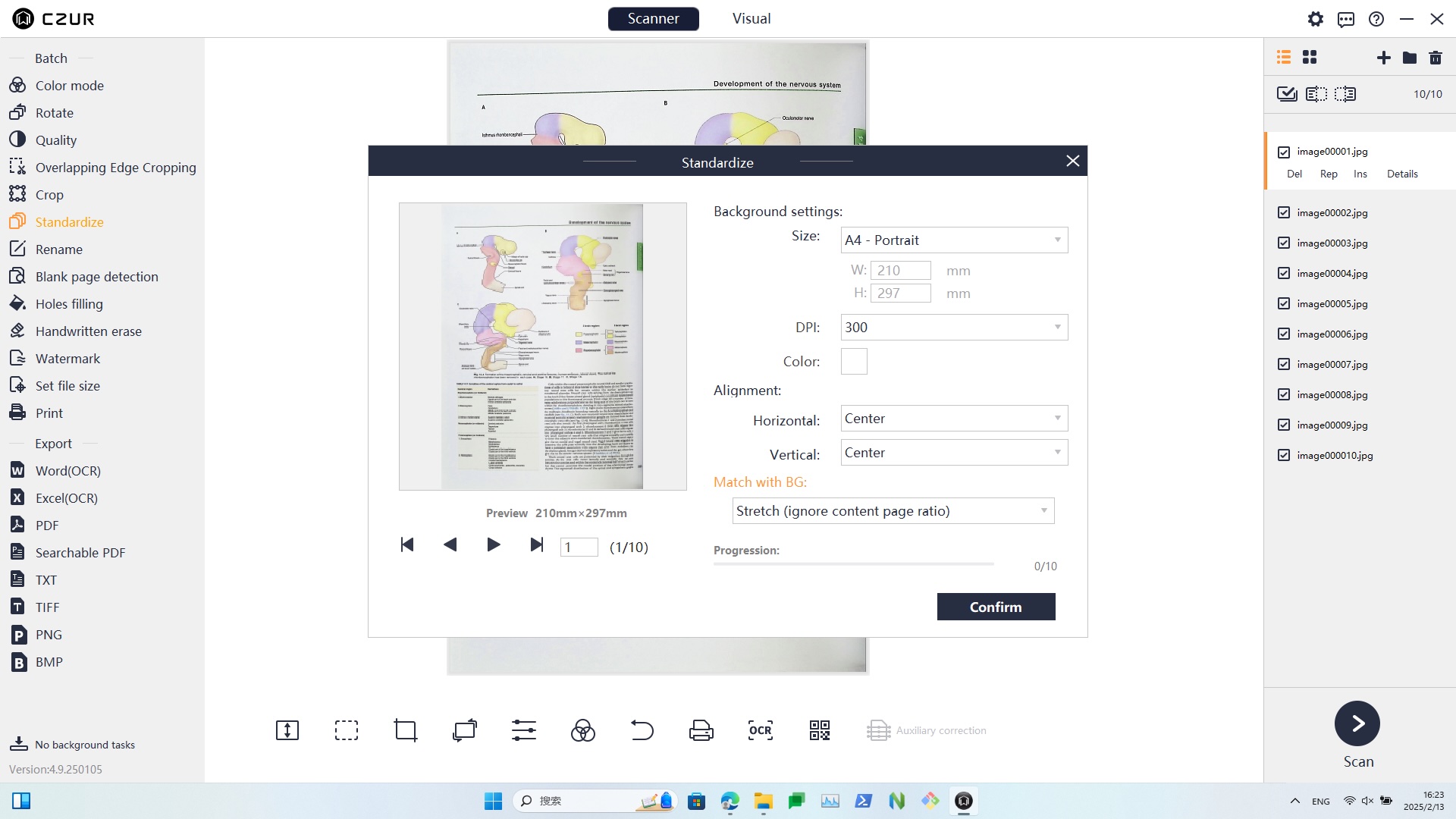
Practical Tools to Bring Your File to Perfection